When Anthropic introduced the Model Context Protocol in November 2024, it proposed a shared way for AI applications to connect to external tools and data. The common shorthand was a “USB-C for AI”: one protocol instead of a custom integration for every model, product, and service.
That idea matters because useful AI products need more than a model. They need current documentation, business data, and clearly bounded ways to take action. MCP provides a standard layer between an AI application and those systems.
This article was originally published on April 8, 2025. We restored it on July 14, 2026, and updated protocol terminology, examples, and links while preserving the original argument.
The problem MCP solves
Even capable language models operate behind information boundaries. Without an integration, a support assistant cannot read the latest product documentation, a coding assistant cannot inspect a private API, and an analytics assistant cannot query current data.
Teams have traditionally solved each connection separately. That works for one or two integrations, but it becomes expensive to maintain when every model and application needs its own authentication, schemas, error handling, and permissions.
MCP addresses that fragmentation with a common protocol. A system can expose a focused set of data and actions once, then make those capabilities available to compatible AI applications under the permissions that the host and user allow.
How MCP works
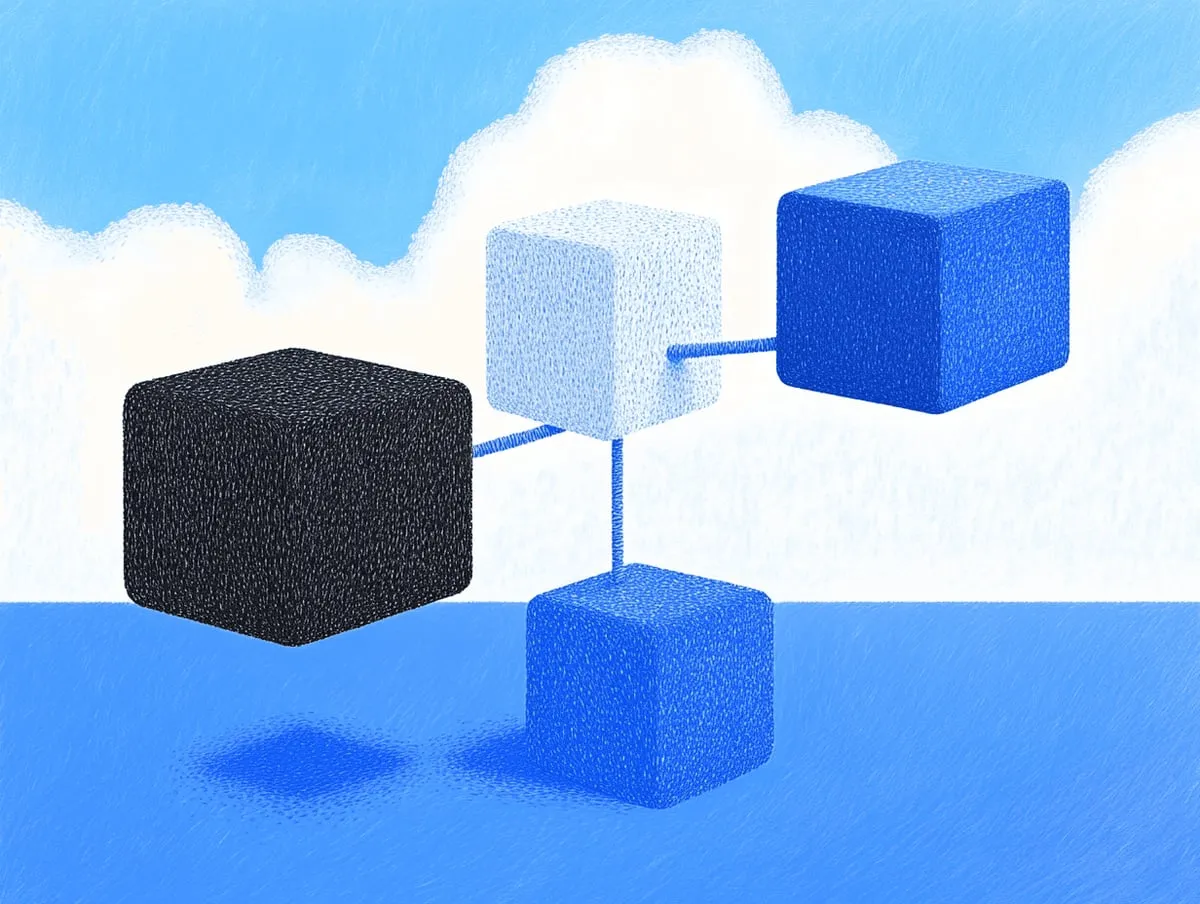
MCP follows a client-host-server architecture. The host is the AI application. It creates an MCP client for each connection, while an MCP server exposes a focused capability such as a database, repository, communication service, or internal API. The official architecture overview describes the protocol’s data and transport layers in detail.
The data layer uses JSON-RPC messages for initialization, capability negotiation, requests, responses, and notifications. The transport layer carries those messages locally or over a network. This separation lets a server focus on its domain without depending on a particular model.
Three server primitives define most product interactions:
- Resources provide contextual data such as file contents, database records, or API responses. The host application decides how to include that context.
- Tools are functions a model can invoke, such as querying a database, sending a message, or creating a task. Each tool advertises a name, description, and input schema.
- Prompts are reusable templates that help users invoke a server’s tools and resources in a consistent way.
Earlier MCP versions also described roots as filesystem boundaries. Roots are deprecated in the current specification, so new implementations should pass files and directories through tool parameters or resource URIs instead.
The result is modularity. A team can add or replace a server without changing the model, and a compatible client can discover the capabilities that server declares.
MCP compared with other approaches
MCP overlaps with several approaches that product teams may already know, but it solves a different layer of the problem.
OpenAI function calling gives a model structured functions inside an application. It is useful when the application owns the full integration, while MCP defines a portable client-server protocol that can be shared across applications.
LangChain provides application libraries and abstractions for building AI workflows. It can work alongside MCP, but a framework does not by itself make one application’s tools discoverable by another.
AutoGPT-style agents demonstrated that models could choose and chain actions. Those early projects focused on agent behavior; MCP focuses on the interface, capability negotiation, and boundaries between the agent and external systems.
For product teams, MCP’s distinguishing properties are practical:
- It is an open protocol rather than a model-specific API.
- Servers expose focused capabilities with explicit schemas.
- Clients and servers negotiate the features they support.
- Local and remote services can use the same core protocol.

What MCP means for product leaders
The main product change is a move from AI that only generates an answer to AI that can gather context and complete a bounded task. That affects feature design, security reviews, vendor choices, and the shape of a product roadmap.
Embedded intelligence can use live data
An AI feature can retrieve current information without asking the user to upload a file or copy data between tabs. A support assistant, for example, could read an approved billing record, explain a charge, and prepare a transaction history for the user.
This changes the experience from a generic conversation into a task grounded in the systems where the work already happens. The important product question becomes which context is necessary and which actions should be available.
Multi-tool workflows become composable
MCP makes it easier to combine capabilities without hardcoding every sequence. A request to analyze sales data, prepare a summary, and share it with a team could involve separate CRM, document, and chat servers.
The product still needs clear behavior for partial failures, retries, and user approval. The protocol standardizes the connections; it does not remove the need to design the workflow.
Security stays explicit
An MCP server should expose only the data and actions required for its job. This follows the principle of least privilege and gives a security reviewer a smaller surface to inspect than broad system access.
Sensitive or destructive tools should require confirmation, and every call should run under the user’s authorization. Tool descriptions and schemas help constrain inputs, but the server must still authenticate requests, validate data, enforce permissions, and record appropriate audit events.
The connector layer reduces model lock-in
Because the integration lives behind a shared protocol, teams can evaluate models and hosts without rebuilding every connector. Compatibility does not make models interchangeable, but it keeps the connection layer from being tied to one inference provider.
The ecosystem shortens integration work
Teams can evaluate existing servers before writing another API wrapper. For broad coverage, Zapier MCP documents connections to thousands of apps and actions. For private systems, the TypeScript and Python SDKs provide the pieces needed to build a focused server.

Getting started with MCP servers
A useful first implementation is narrow, measurable, and easy to reverse. Start with one user problem where fresh context or a single action removes obvious manual work.
Map the integration points
List the systems that hold the context or actions needed for that problem:
- Internal knowledge bases and documentation
- Customer or account data
- Email and team chat
- Project management systems
- Code repositories and development environments
Prioritize the smallest set that can complete the task. More connected systems create more permission, reliability, and support work.
Evaluate existing servers
Check the provider’s official documentation and the MCP servers repository before building a connector. Review authentication, maintenance activity, data handling, tool schemas, and deployment requirements. A public server listing is a starting point, not a security review.
Build a focused custom server
For an internal system, define the resources and tools the server will expose, implement authorization and validation, and choose a local or remote transport. The current TypeScript SDK guide uses a Zod schema to advertise and validate tool inputs.
import { McpServer } from '@modelcontextprotocol/server';
import * as z from 'zod/v4';

const server = new McpServer({
  name: 'my-product-connector',
  version: '1.0.0',
});

server.registerTool(
  'get_user_profile',
  {
    description: "Fetch a user's profile information",
    inputSchema: z.object({
      userId: z.string().describe('ID of the user to fetch'),
    }),
  },
  async ({ userId }) => {
    // Authenticate the caller and enforce access before reading data.
    const profile = await databaseClient.fetchUser(userId);

    return {
      content: [{ type: 'text', text: JSON.stringify(profile) }],
    };
  },
);
This example shows the tool boundary, not a complete production server. A real implementation also needs transport setup, authentication, authorization, safe errors, rate limits, logging, and tests.
Design the tool experience
Decide how the product will explain and control tool use:
- Which tools may run automatically, and which require approval
- What user intent should trigger a tool
- How progress and side effects appear in the interface
- What happens when a service is unavailable or returns partial data
Users should know when the AI is reading data and when it is about to change something. Clear action previews and confirmations are product features, not implementation details.
Roll out in phases
A phased rollout keeps risk proportional to what the system can do:
- Start with read-only access to non-sensitive resources.
- Add write tools with explicit user approval.
- Allow more automatic execution only for workflows with strong authorization, observability, and recovery.

MCP in action and your product strategy
The ecosystem has expanded since this article first appeared. Desktop and coding clients can connect to local and remote servers, Replit publishes an MCP server for creating and managing applications, and Block was named as an early adopter in the protocol’s launch announcement. These examples point to the same pattern: the AI host can stay focused on the user experience while servers own their specific integrations.
Registries and provider directories have also made servers easier to discover. Discovery helps adoption, but product teams still need to evaluate the operator, requested permissions, data retention, and behavior of every server they enable.
The strategic implications are straightforward:
- Design for tasks, not only answers. Start with an outcome that needs context or action.
- Keep capabilities modular. Separate the host experience from each service integration.
- Apply least privilege from the start. Expose the smallest useful data and action surface.
- Plan for more than one model. Keep connector decisions independent from model evaluation where possible.
- Measure completed outcomes. Track whether the workflow solved the user’s problem, not just whether a tool returned successfully.

MCP moved the integration question from “How do we connect this model to every service?” to “Which capabilities should this product expose, under which controls?” Product leaders who answer that second question well can build AI features that do useful work without giving up the boundaries users and organizations need.